
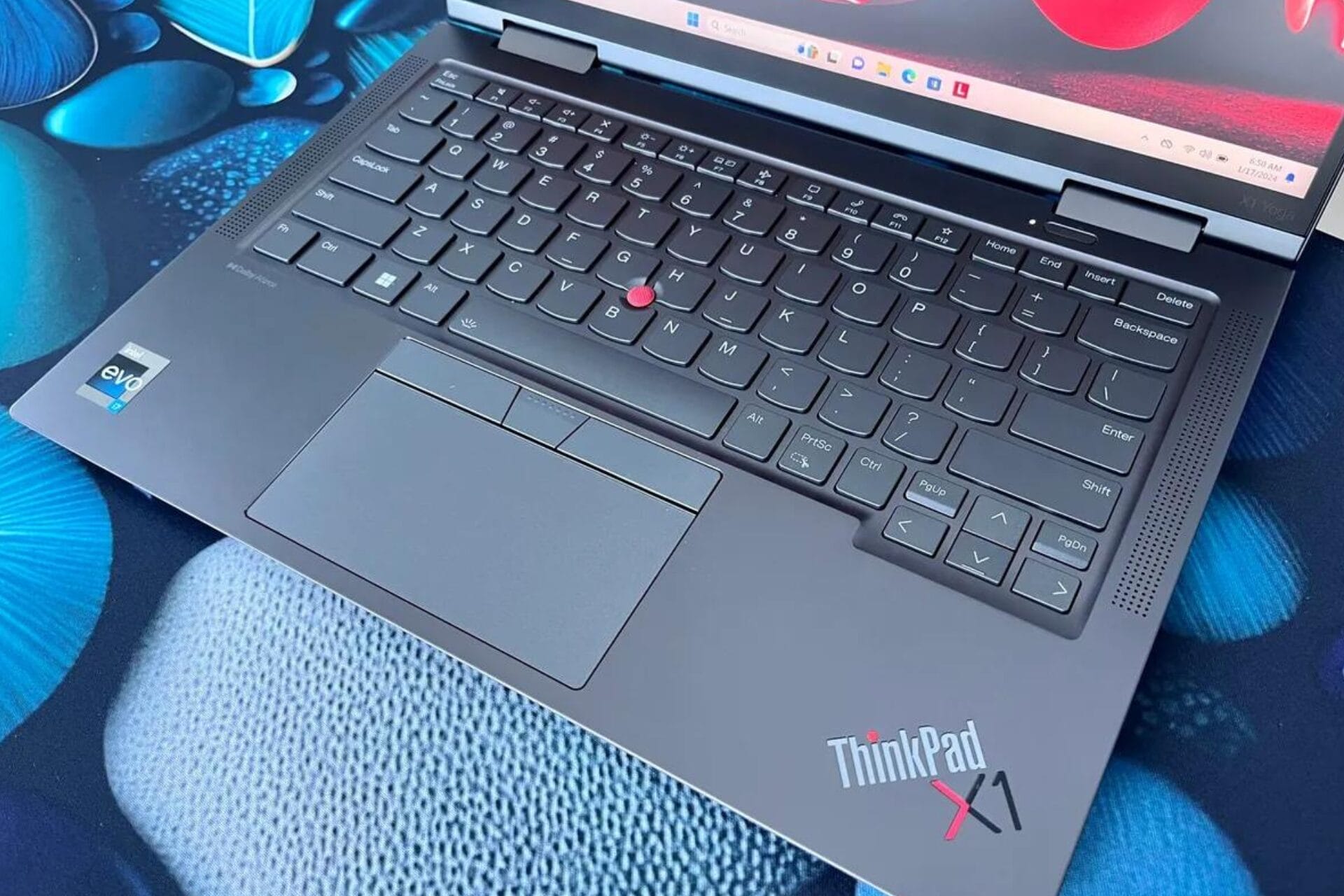
The latest Lenovo ThinkPad X1 Yoga Gen 8 is an ideal option for professionals in the corporate world, with its extended battery life, sturdy frame and user-friendly keyboard.
Designed for enterprise users, the Lenovo ThinkPad X1 Yoga Gen 8 is a versatile notebook that can switch between laptop and tablet modes. Its sturdy build makes it perfect for on-the-go use, while its extended battery life ensures you stay connected at all times. Additionally, this device comes equipped with a keyboard that’s resistant to spills – ideal when you’re typing away in coffee shops or other busy environments. Here’s an overview of some fundamental characteristics:
- Ideal for mobile professionals, the X1 Yoga Gen 8 boasts an impressive battery life of more than twelve hours on a single charge.
- The laptop boasts a robust military-grade aluminum chassis, ensuring it can withstand typical wear and tear.
- The typing experience on the X1 Yoga Gen 8 is just as comfortable as expected thanks to its renowned ThinkPad keyboard.
- Although the display is impressive, it may not suit everyone’s needs. For example, the standard version has a 1920×1200 IPS touchscreen that some users may find lacking in clarity. If you require a higher resolution screen, you will have to invest in a pricier setup.
- The comparison between the X1 Yoga Gen 8 and its competitor, the HP Spectre x360 14, reveals the following differences:
- The ThinkPad X1 Yoga Gen 8 boasts an extended battery life, enhanced sturdiness of its chassis and superior security features.
- The HP Spectre x360 14 boasts of a more advanced processor, crisper OLED screen and smoother design.
For individuals seeking a robust, lasting and reliable laptop for business purposes, the Lenovo ThinkPad X1 Yoga Gen 8 is an exceptional choice. However, if your preference lies with advanced processors or high-resolution displays then you may want to explore alternative options such as the HP Spectre x360 14.
Disclaimer
NextNews strives for accurate news, but use it with caution—content changes often, external links may be iffy, and technical glitches happen. See the full disclaimer for details.